How AI engines describe a brand
When an AI engine names a brand in its answer, it usually describes it as well: what the brand is known for, who it suits, and what to be cautious about. Traqer's Sentiment Analysis collects those descriptions across engines and shows the positive and negative themes that recur, along with the exact sentences they come from.
What Sentiment Analysis shows
Sentiment Analysis sits in the Analysis panel for each brand, and is also available for individual topics in Analyze & Improve. It has three parts.
Described as
The categories and labels the engines attach to the brand. This is a quick check on whether engines place a client in the category they want to be known for.
Positive and negative themes
Recurring themes in how the brand is described, each with a short description and the share of mentions that express it, shown per engine and in total. Every theme expands to show the excerpts behind it, with the model and prompt each one came from.
All mentions
Every sentence in which an engine names the brand, organized by topic and engine, with the prompt it answered and a link to the full response. Exports include these sentences in a tab called How LLMs Talk About You.
How the percentages are calculated
For each engine, a theme's share is the number of answers expressing that theme divided by the number of answers on that engine that mention the brand. The total pools the raw counts across engines, so engines that mention the brand more often carry more weight in it.
Positive Sentiment
Easy for non-accountants
Owners without a finance background can run it themselves.
13/32
7/12
2/9
4/11
Strong bank feeds
Understanding the sentiment insights
Sentiment Analysis covers the latest run. It shows how a brand is being described now. Because each percentage is a share of mentions, a theme drawn from a handful of mentions is a small sample. We recommend reading the excerpts behind a theme before reporting its percentage.
Sentiment is read from answers that already name the brand, so it works alongside brand mentions rather than replacing them. Mentions remain the measure of whether a client is being recommended. Sentiment shows how they are described when they are. For more on how we treat it alongside other metrics, see our guide to AI visibility metrics.
Positive Sentiment
Easy for non-accountants
Owners without a finance background can run it themselves.
13/32
7/12
2/9
4/11
Excerpts
Acting on a negative theme
A negative description is something to investigate. Open the excerpts behind the theme, find the prompt and engine, and open the full response to see which sources the engine cited. If a cited page belongs to the client, the change can be made on the page. If it belongs to a publication, the route is to ask for a correction.
Either change influences what engines draw on. It does not guarantee that an engine's wording will change. Our piece on AI visibility reports covers how we suggest presenting this kind of finding to a client.
Negative Sentiment
Expensive as you scale
Costs rise as the team grows.
7/32
3/12
2/9
2/11
Excerpts
Citations
How this helps agencies
Sentiment Analysis gives a client review something specific to show. Instead of reporting that a brand is viewed favorably, you can show the exact sentences an engine uses and the prompts that produced them.
If an engine describes a client in a way that misrepresents them, the negative theme and its excerpts are the evidence you bring to the conversation, along with the cited sources that point to where a correction could be made.
Sentiment is available per topic, so you can check how a client is described in the topics that matter most to their business, not only across everything tracked. When you take on a new client, exporting the sentiment data before work begins gives you a record to compare against later.
For more on how agencies use Traqer across a client roster, see our piece on AI visibility tracking tools for agencies.
Where this fits with other Traqer features
Sentiment Analysis is part of Analyze & Improve, and it draws on the prompts and weekly runs set up in topic-based tracking.
Analyze & Improve
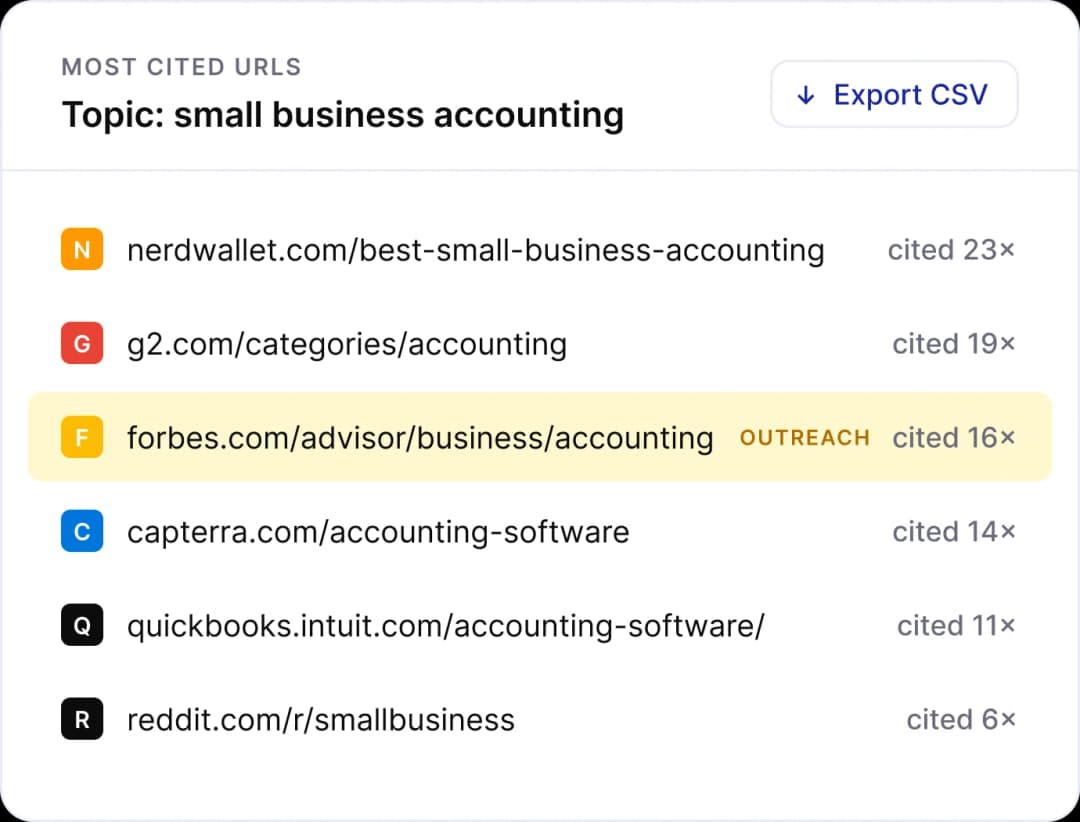
Also shows the brands recommended most for a topic, the URLs engines cite, and content ideas.
Topic-based tracking
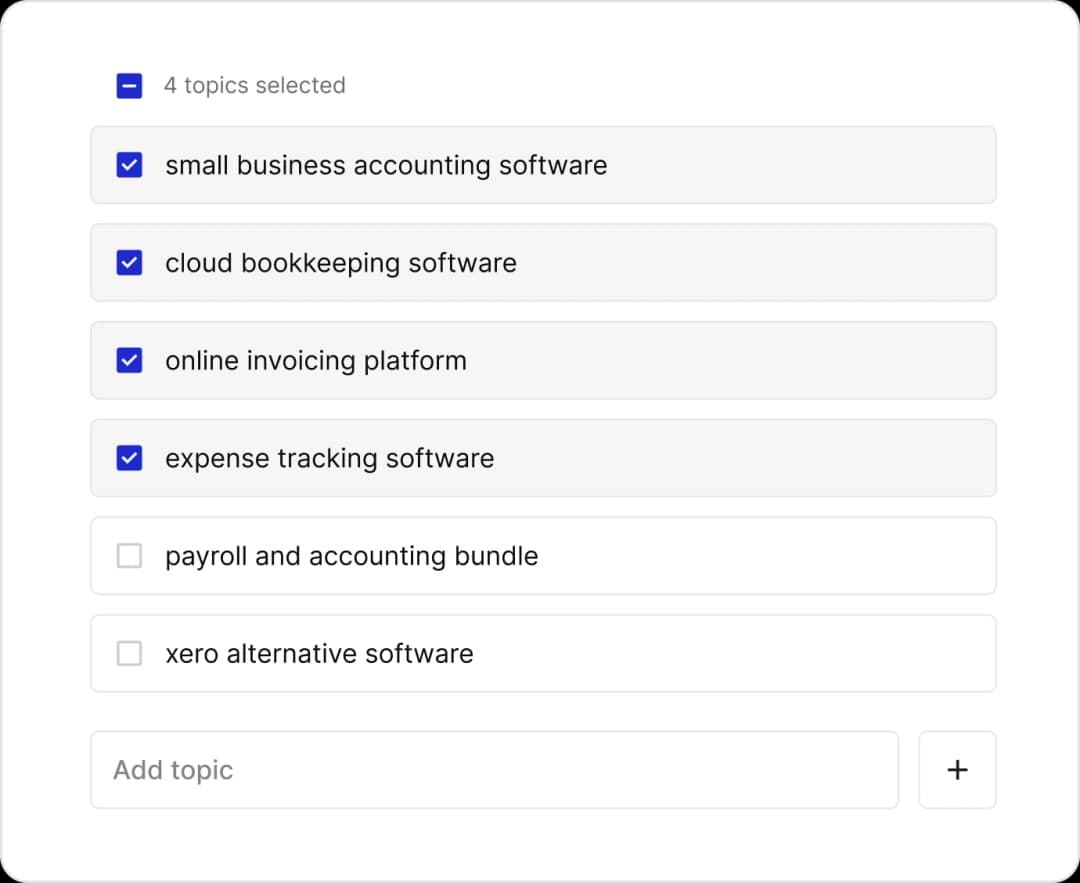
Where the prompts and weekly runs that sentiment is read from are set up.
Reporting
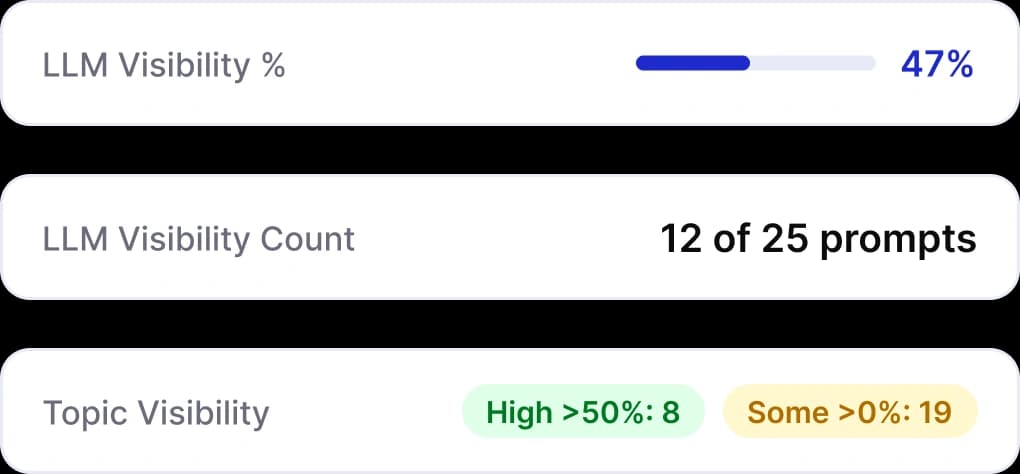
Covers how visibility data is presented to clients, including white label reports and client logins.
Check how AI engines describe your clients
Track ChatGPT, Microsoft Copilot, Gemini, Google AI Overviews, Google AI Mode, Claude, and Perplexity. Unlimited brands. Unlimited users. Starting at $25/month.